
Promptify
Turn any reference into a prompt foran image style, a website theme, a poster layout
Upload an image, paste a link, or drop in a poster. You get back a prompt that's ready to copy, written the way the reference actually looks.
Drop an image here
or choose one from your device — or paste a copied image (Ctrl/Cmd + V)
Generated prompt
Upload an image to generate your prompt. The sample Output will look like this
Create an image based on the following guidelines: a matte black ceramic pour-over coffee dripper resting on a thick walnut board, a single glass carafe behind it catching a thin line of light, a few dark roasted beans scattered in the foreground. Tight three-quarter product shot from just above the rim so the inner ribs of the dripper read clearly. One large diffused source from camera left, a black flag on the right to deepen the shadow side, gentle specular highlight running down the ceramic. Palette: charcoal, warm walnut brown, smoke grey, one soft amber glint in the carafe. 90mm macro look at f/5.6, the dripper sharp front to back, background a smooth warm grey falloff, fine wood grain and ceramic texture visible, quiet premium catalogue mood.
Structured analysis(sample)
Switch sections off to leave them out of the prompt you copy.
Prompt from selected sections
Create an image based on the following guidelines: A matte black ceramic coffee dripper on a walnut board, supported by a glass carafe and loose beans. The product is the only hard-edged object in frame. The dripper sits slightly right of centre on the lower third, with the carafe stepping back to the upper left to give depth. Generous empty space above leaves room for a headline. A single large soft key from the left with negative fill on the right, giving a smooth gradient across the ceramic. One narrow highlight defines the dripper's silhouette. Low-saturation warm neutrals built around charcoal and walnut, lifted by a single amber reflection. 90mm macro equivalent, f/5.6, 1/125s, ISO 100, camera slightly above product height, three-quarter angle. Clean commercial still life with tactile surfaces left unretouched. The finish is soft, matte and restrained rather than glossy. Avoid: logo, text, steam clouds, hands, clutter, glossy plastic look, harsh reflections, oversaturated colour.
Try a popular style
Hover a card to preview the style or copy its ready-to-paste prompt.
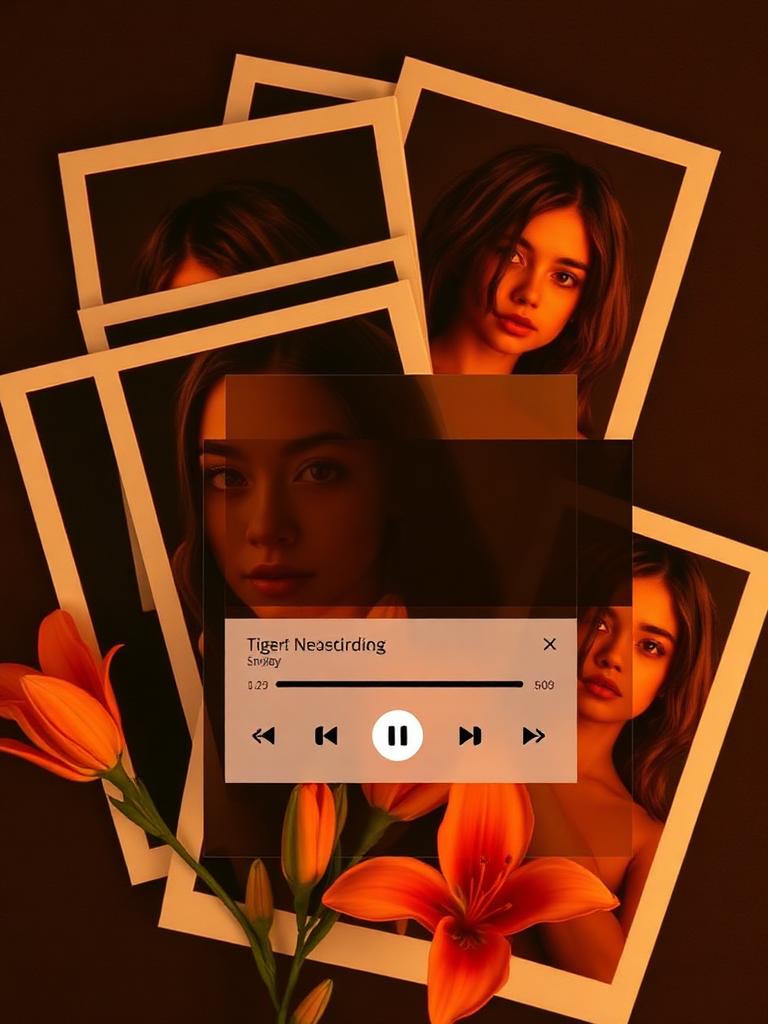
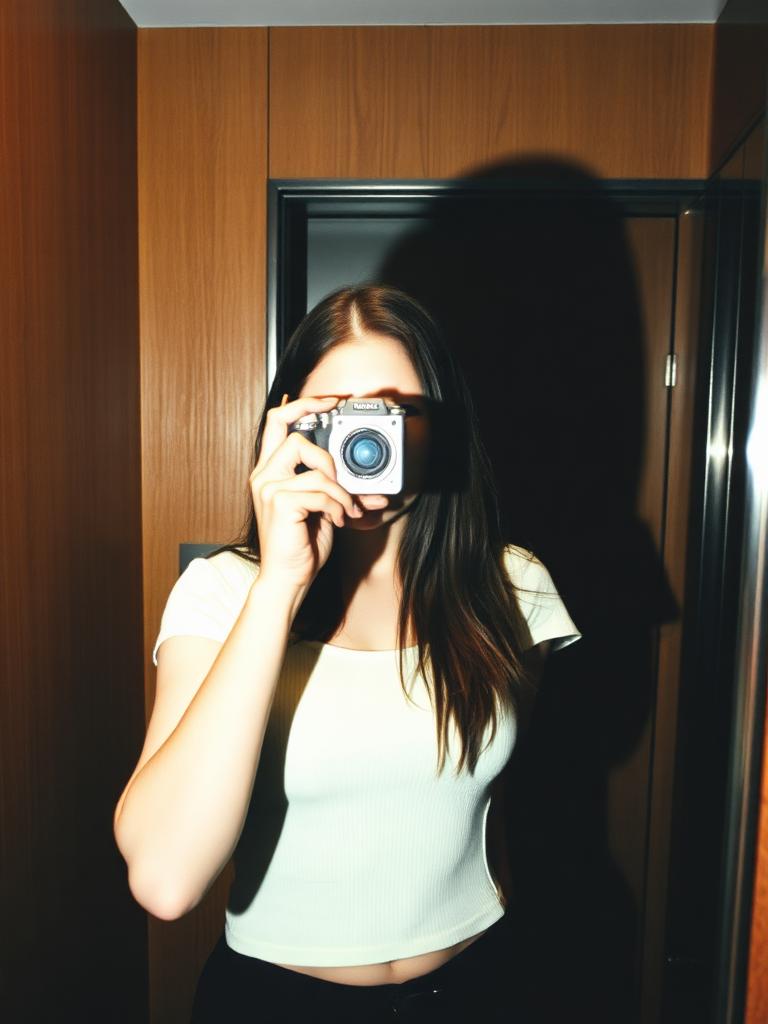

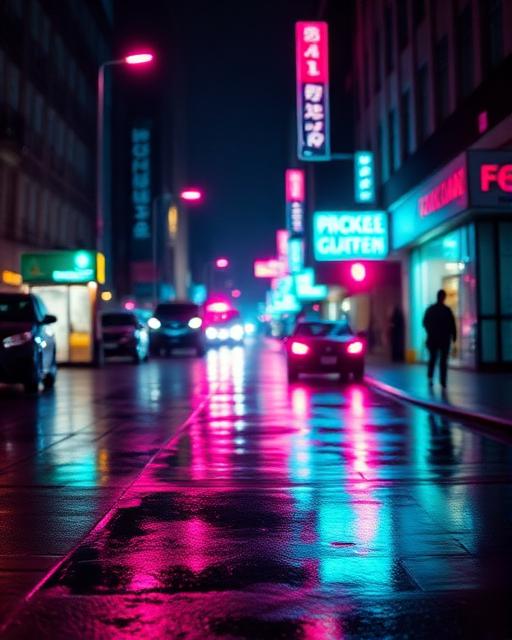

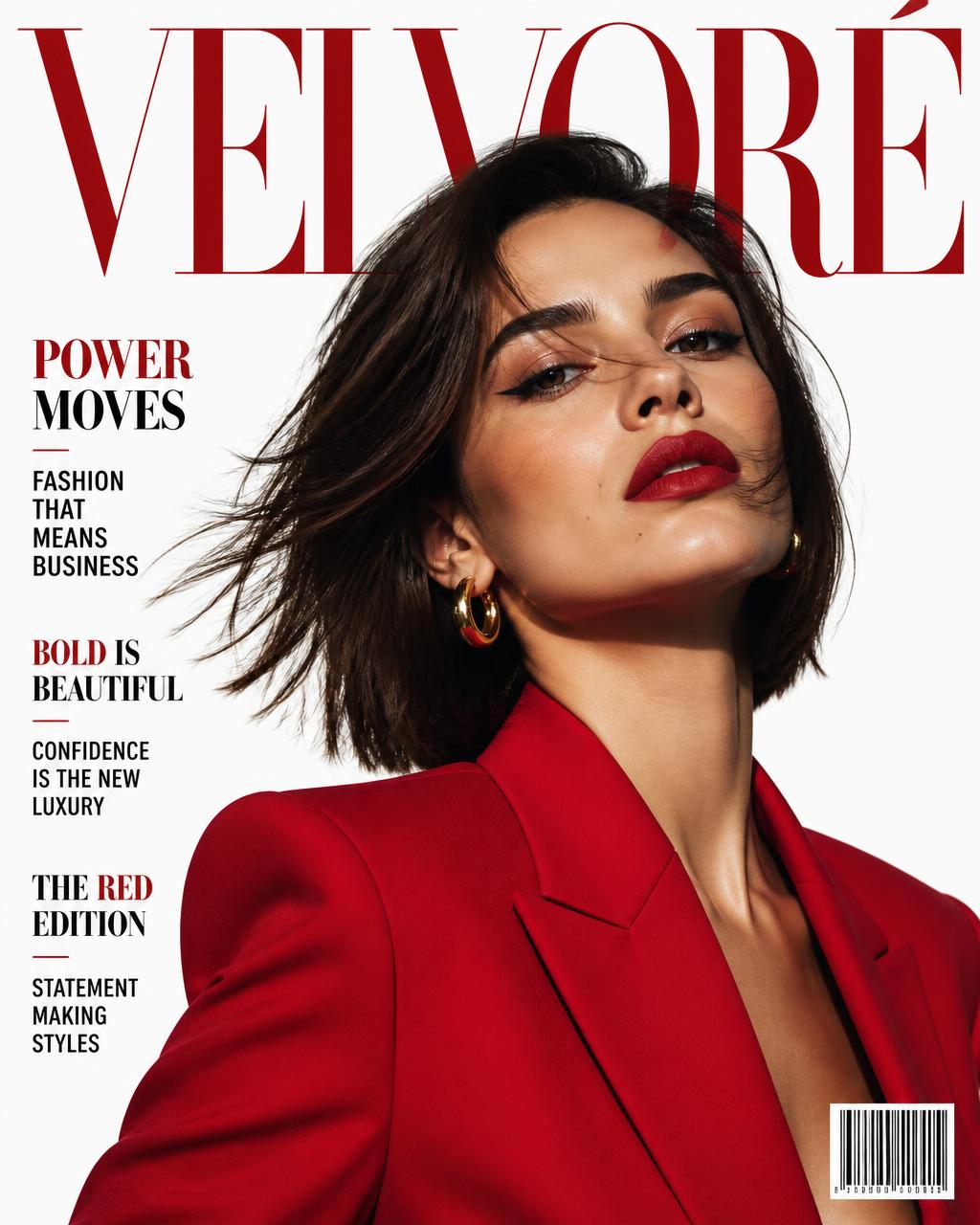
Interactive demo
See what Promptify actually extracts
Pick a reference type. Each one shows the reference, the attributes picked out, the structured reading and the reusable prompt — with the reference-specific subject swapped out so the look can carry your own content.
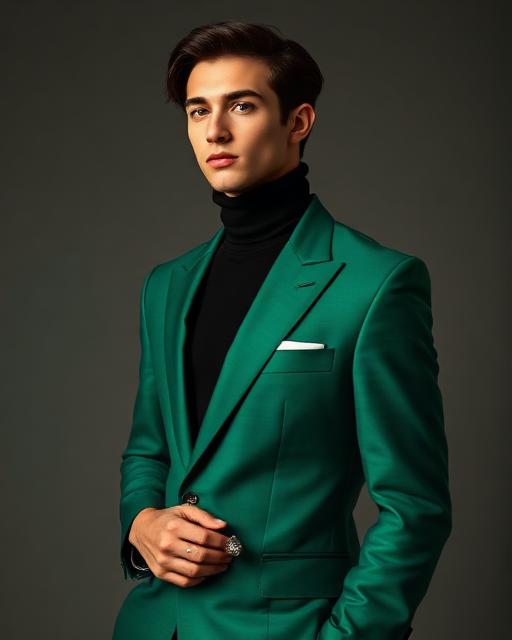
Attributes detected
- Three-quarter vertical
- Side softbox + rim
- 85mm look
- Emerald / warm grey
- Campaign finish
Structured analysis
- Composition
- Vertical three-quarter crop, subject slightly off-centre, plenty of plain backdrop around the shoulders.
- Lighting
- One large soft source from the side with a narrow rim separating the suit from the background; shadows left deep.
- Palette
- Saturated emerald against neutral warm grey, black and silver as supporting tones.
- Camera
- Short telephoto compression, eyes and fabric weave sharp, backdrop smooth.
Final reusable prompt
Create an image based on the following guidelines: a menswear campaign portrait of your subject in a single strongly coloured tailored suit, standing in a poised three-quarter pose against a seamless warm-grey backdrop. Vertical frame, subject slightly off-centre with clean space around the shoulders. One large softbox from the side, a thin rim light from behind on the opposite edge, deep but detailed shadows. 85mm portrait look at f/4, sharp eyes and visible fabric weave, natural skin, polished magazine grade, no text.
More depth: the case studies walk through eight references step by step, and the tool comparison explains which tool reads which kind of reference.
Built for visual work
From reference to a useful creative brief.
Most AI tools run one way: you write, it draws. Promptify runs backwards. Show it something you already like — a photo, a page, a poster — and it writes out the recipe behind it. Then you swap in your own subject and rebuild that look in Midjourney, DALL·E, Stable Diffusion, Flux, or whatever builder you use.

Image style grab
Photos and renders
Framing, subject, light direction, and the camera the shot implies: focal length, aperture, depth of field. You also get a negative prompt, which saves a lot of retries.

Website theme grab
Any live URL
Paste a link. Back comes the page's section order, its colours with hex values, the type scale, how buttons and cards are treated, and the mood it's going for.

Posters & infographics
Image or PDF
Drop in a poster, a flyer, or a chart-heavy PDF. You get the grid it sits on, what the eye reads first, the palette, the type, and how the graphic bits are handled.
Features & capabilities
One visual reference, several useful ways to describe it
Promptify is built for the part of creative work that usually gets lost between “make it like this” and a usable production brief. It separates what is visible from what is merely assumed, then organises the result so each decision can be changed.
Style without identity
Keep lighting, framing, palette, and finish while excluding a reference person’s face, clothing, pose, and other identifying details.
Subject styling when needed
Include outfit, expression, pose, and mannerisms when those choices are part of the creative direction you want to study.
Rendered website analysis
Read a live page’s visible section order, colour system, typography, spacing, buttons, cards, borders, and overall visual tone.
Layout-aware poster briefs
Document grids, margins, hierarchy, copy placement, image balance, graphic devices, and print texture from an image or PDF.
Model-ready formats
Prepare the same visual idea for Midjourney, Stable Diffusion or Flux, DALL·E or ChatGPT, and Sora without rebuilding it from scratch.
Focused refinement
Shorten a prompt, add useful detail, make the treatment more cinematic, remove generated text, or translate dense language into plain English.
How Promptify works
From reference to editable creative brief
The process is deliberately inspectable. Promptify gives you a draft to judge and edit, not a hidden score or a claim that one prompt can reproduce every pixel.
- 01
Choose the evidence
Upload a clear image or poster, add a PDF, or paste a public website URL. Crop away anything that should not influence the analysis.
- 02
Generate a structured reading
Promptify identifies composition, hierarchy, light, colour, type, camera language, texture, and exclusions relevant to that kind of reference.
- 03
Adapt it to your goal
Pick a model format and aspect ratio, refine the wording, replace reference-specific content, then copy the prompt into your preferred creative tool.
For detailed instructions, model notes, editing advice, privacy guidance, and troubleshooting, read the official Promptify user guide.
Who uses Promptify
Designers, mostly, when a campaign has to keep looking like itself across twenty assets and "make it match this one" isn't a brief anyone can act on. Photographers use it the way you'd read a contact sheet: what lens, what light, how shallow. Product and web teams paste a URL before a rebuild, so the palette and type scale are written down instead of argued about. Marketers run posters and PDFs through it to keep flyers on brand. And plenty of people are just learning to write prompts, and find it easier to study a good one than to invent it from a blank box.
Frequently asked questions
How does Promptify improve an AI image prompt?
It turns visible evidence into explicit instructions. Instead of stopping at a subject label, it describes composition, light direction, colour roles, camera or rendering choices, surface detail, and useful exclusions. You can then replace the subject while keeping the visual system that made the reference work.
Which AI models and generators are supported?
Promptify can format visual prompts for Midjourney, Stable Diffusion and Flux, DALL·E and ChatGPT image generation, and Sora. The underlying descriptive prompt also works as a starting point in many other image, video, and design tools. Claude and Gemini can help edit the resulting brief, but Promptify is not a general chat-prompt optimizer.
How is my data protected?
Promptify does not require an account. Uploaded files are processed to return the requested analysis and are not saved to an application database or used for model training. Prompt history stays in your browser. Website Theme Grab only requests the public URL you submit.
Is Promptify free?
Yes, free. No account, no sign-up, no card.
Do you store the images I upload?
No. Your file is resized in your browser, sent once for analysis, then dropped the moment the description comes back. Nothing is saved on our side and nothing is used for training.
How does the website theme grab work?
We pull the page's public HTML and styles and render it, then read the design system out of what's actually there. Sites that block bots or build everything in the browser give us less to work with, so the reading is thinner.
Which image generators do the prompts work with?
Pretty much all of them. The output is plain description rather than tool-specific syntax, so it drops into Midjourney, DALL·E, Stable Diffusion, Flux, Leonardo and the rest. Add your own flags where a tool wants them.
What file types can I upload?
Anything your browser can open — JPEG, PNG, WebP, and HEIC on devices that handle it. The posters tab also takes PDFs.
Find more practical answers on the complete FAQ page.